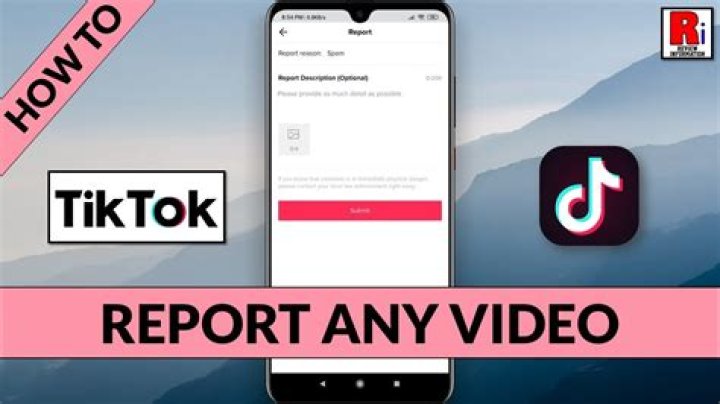
In the vibrant world of TikTok, users are constantly creating, sharing, and engaging with content. However, not all content is appropriate or aligns with the platform's community guidelines. If you find yourself in a situation where you need to report a video or a user, understanding the reporting process is essential. This guide will walk you through the steps and provide valuable insights on how to report on TikTok effectively.
With its rapid rise in popularity, TikTok has become a hub for creativity and self-expression. However, it also faces challenges such as harmful content, cyberbullying, and misinformation. Reporting inappropriate content ensures that TikTok remains a safe and enjoyable platform for everyone. Knowing how to report on TikTok not only protects you but also contributes to the overall well-being of the community.
This article will cover various aspects of reporting on TikTok, including the types of content you can report, the steps involved, and tips for effective reporting. Whether you're a seasoned TikTok user or a newcomer, this guide will equip you with the knowledge you need to navigate the reporting process smoothly.
What Types of Content Can You Report on TikTok?
Understanding the types of content that can be reported is crucial for effective reporting. Here are some common categories:
- Harassment and Bullying
- Hate Speech
- Explicit Content
- Misinformation
- Impersonation
How Do You Report a Video on TikTok?
Reporting a video on TikTok is straightforward. Follow these steps:
- Open the TikTok app and find the video you want to report.
- Tap on the "Share" icon (the arrow icon) located on the right side.
- Select "Report" from the menu that appears.
- Choose the reason for your report and provide any additional information if prompted.
- Submit your report.
Can You Report a User on TikTok?
Yes, you can report an entire account if you believe that the user is consistently violating community guidelines. To report a user, follow these steps:
- Visit the user’s profile.
- Tap on the three dots in the top right corner.
- Select "Report" and choose the appropriate reason.
- Submit your report.
What Happens After You Report on TikTok?
After you report on TikTok, the platform's moderation team will review the content. Here’s what to expect:
- Review Period: The review process may take time, depending on the volume of reports.
- Outcome: You may not receive direct feedback on the outcome of your report due to privacy policies.
- Action Taken: If the content is found to be in violation, TikTok may remove it or take action against the user.
How to Report on TikTok Effectively?
To ensure your report is effective, consider these tips:
- Be Specific: Clearly state why you are reporting the content.
- Provide Evidence: If possible, screenshot the content or provide details that support your claim.
- Report Promptly: The sooner you report inappropriate content, the better.
How Can You Protect Yourself on TikTok?
While knowing how to report on TikTok is important, protecting yourself is equally essential. Here are some strategies:
- Adjust Privacy Settings: Use TikTok's privacy features to control who can see your content.
- Block Users: If someone is harassing you, don’t hesitate to block them.
- Be Selective: Be mindful of the information you share on your profile.
Summary: Why Reporting is Important on TikTok?
Reporting on TikTok is not just about removing inappropriate content; it's about fostering a safe community for everyone. By understanding how to report on TikTok and taking action when necessary, you contribute to a positive environment where creativity can flourish. Remember, your voice matters, and reporting helps maintain the integrity of the platform.
Unveiling The Life And Achievements Of Holly Lim
Exploring The Life And Influence Of Colby Winfrey
Minecraft TikTok Cape Streamers: The New Wave Of Creative Expression